Why do smartphone batteries suddenly die after two years?
Two years after purchasing an iPhone 14, the battery life has significantly decreased. Initially, the battery would last all day after a full charge, but now it drops below 10% by 2 PM even after charging in the morning.
While my usage hasn't changed, it's clear that my smartphone is nearing the point where a "battery replacement" needs to be considered.
This phenomenon affects everyone. The common issue of "reduced battery life" in smartphones used for over two years is not simply a malfunction; it's the result of a combination of technical principles and usage habits.
In fact, reports indicate that lithium-ion batteries typically experience a capacity loss of 5-10% within the first year and approximately 15-25% after two years. However, why do some users experience a drop of over 30% within just two years, while others still maintain over 30%?
---
Battery Life is Determined by Charging Habits
Most smartphone users are unaware that the internal structure of the battery responds differently depending on the charging cycle. Lithium-ion batteries store energy through electrochemical reactions, but repeatedly fully charging (100%) or completely discharging (0%) causes the electrolyte to break down and the structure of the anode and cathode to deform.
This phenomenon is called "battery aging," and it becomes particularly noticeable after two years of use.
- Normal Usage Habits: Charging 1-2 times per day, up to a maximum of 80%. In this case, it may be possible to maintain 75-80% of the battery capacity after three years.
- Excessive Full Charging/Complete Discharging: Consistently charging to 100% or turning off the device when it drops below 3%. In this case, the capacity loss after two years is 10-15% higher than average.
For example, repeatedly fast charging for 30 minutes during the commute can cause the battery to become "accustomed" to maintaining a charged state, which can alter its long-term voltage perception.
When fully charged in this state, the internal voltage of the battery temporarily surges, accelerating oxidation reactions.
Using a battery monitoring app will reveal that in devices used for over two years, it's common to see a drop of 2-3% within 10 minutes after charging is complete – this indicates that "self-discharge" is occurring inside the battery.
---
Why Does the Battery Experience Stress After Reaching 100%?
After reaching 100% capacity, the smartphone continues to supply a small current to maintain the battery in a "fully charged" state.
This process is called "maintaining a fully charged state," and in the long term, it causes the battery's electrolyte to break down and reduces the rate of ion movement.
This effect is particularly accelerated in high-temperature environments (above 30 degrees Celsius).
- Real-life example: Charging starts at 2 PM and completes at 10:30 AM the next day. The device remains connected to the charger at home → After two years, the battery capacity drops to 65%.
- In contrast, users who unplug the charger immediately after charging completes at 10:30 AM can maintain over 75% of the battery capacity after two years.
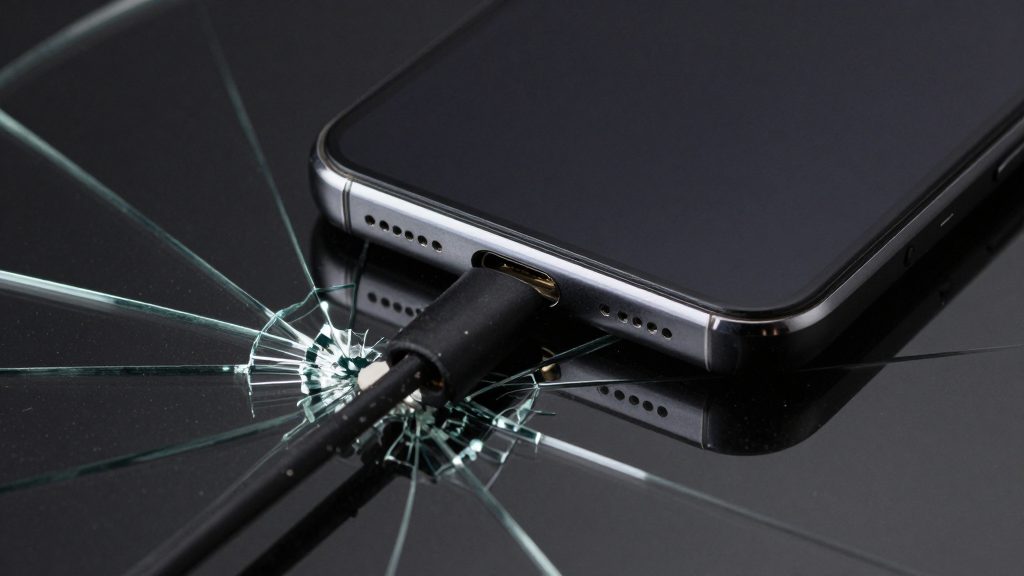
Furthermore, devices with a "battery protection mode" (e.g., iPhone's "Optimized Battery Charging," some Android devices) automatically stop charging at 80% and resume charging when needed. This feature prevents users from unintentionally maintaining a state close to 100%.
In fact, numerous reported cases show that enabling this feature in devices used for over two years can extend battery life by 15-20%.
---
According to UNESCO's 2024 report, electronic waste is rising rapidly as consumers replace aging devices. Studies show that global e-waste reached a record 62 million tonnes in 2022. This trend highlights the urgent need for better battery maintenance and recycling.
Does the Smartphone Case Directly Affect Battery Life?
While cases are generally thought to only provide protection, certain materials can worsen battery overheating. For example, plastic cases containing metal components or aluminum frame cases can trap heat from the battery and increase charging temperature by 3-5 degrees Celsius.
This is especially problematic during fast charging, where the battery temperature can rise by 5-7% every 10 minutes, and the case can maintain this elevated temperature for over 15 minutes.
- The problem of prolonged high temperatures: When exposed to temperatures above 60 degrees Celsius for extended periods, the electrolyte inside the battery rapidly loses its ion conductivity, reducing its lifespan by over 30%.
- Example: A user using a jumbo case while fast charging. After 30 minutes of charging, the battery temperature reached 48 degrees Celsius, a measurement 7 degrees higher than normal → After one year, the capacity loss was more than double the average.
In contrast, transparent polycarbonate cases with air gaps or breathable mesh-structured cases help to dissipate heat. It's best to remove the case during charging or, at a minimum, use a transparent plastic case.
---
According to the International Energy Agency's 2023 analysis, lithium-ion demand is surging to meet global needs. They project that battery manufacturing capacity must increase by 40% before 2026. Such growth underscores how vital it is to extend the lifespan of current hardware.
Why is "Real-time Monitoring" More Important than "Pausing" Before Replacing the Battery?
When a battery starts to deteriorate, the "Battery Health" section in your smartphone may show a "Maximum Capacity" percentage that doesn't accurately reflect the actual usage experience. For example, it might show 65%, but the battery only lasts for 30 minutes of use before dropping to 10%.
Conversely, it might show 75%, but the battery only lasts for 2 hours before dropping to 10%.
- How to monitor the battery: Settings → Battery → Check Health. If the "Maximum Capacity" is below 80%, it indicates that the capacity loss is progressing rapidly.
- Key indicator: If the battery is below 70% after two years of use, consider replacing it. Especially if the battery drops to below 50% after just one hour of charging, there may be an issue with the internal auxiliary battery or current flow.
Also, do not disable "Optimized Battery Charging." Some users turn off this feature and charge to 100%, which directly shortens battery life. Instead, only disable "Maximum Capacity" when it's above 80% and only charge to 100% when absolutely necessary (e.g., before a trip).
---
According to Consumer Reports' 2022 study, improper charging habits significantly impact device longevity. Their research found that users who frequently let their phones hit 0% saw a 15% faster decline in capacity. This data confirms why consistent charging patterns are essential.
Practical Advice: How to Maintain Over 70% Battery Life After Two Years
The key to extending battery life lies in "charging habits" and "environmental control." Follow these three checkpoints:
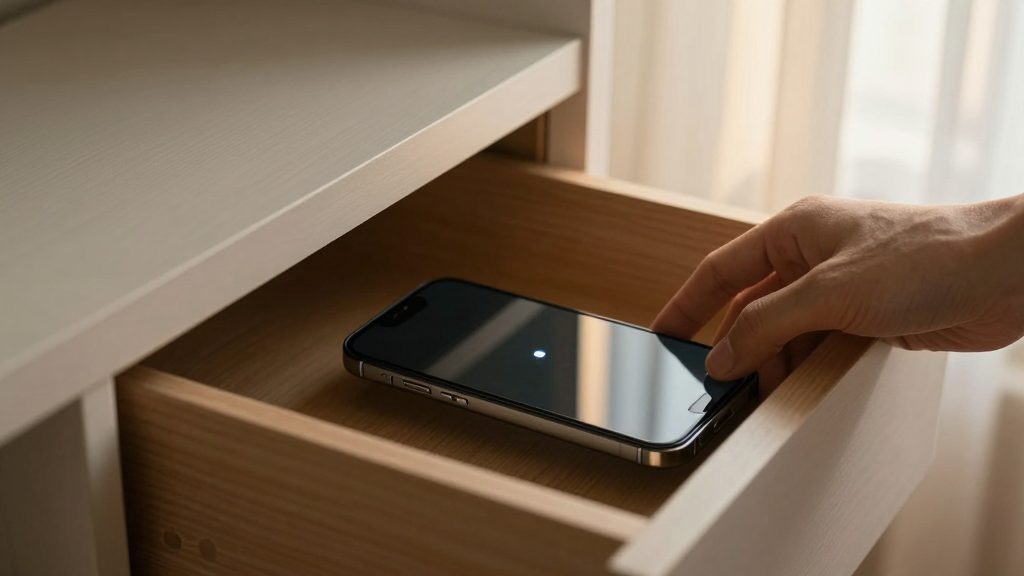
- Maintain Charging Levels: Aim to keep the battery between 20% and 80%. Especially, develop a habit of keeping the battery above 50% while charging to reduce internal load.
- Avoid High Temperatures: Do not leave the device in direct sunlight while charging. Charging in high temperatures is a major cause of battery degradation.
- Regular Checkups: Every six months, check the "Battery Health" in settings and have a professional center inspect the device if the "Maximum Capacity" is below 80%.
In conclusion, smartphone batteries can maintain over 70% capacity after two years if used properly.
However, incorrect charging habits or ignoring environmental conditions can easily cause the battery to drop below 60% within just two years.
The key is not "full charging," but rather understanding and controlling the internal state of the battery through consistent habits. While replacing a battery costs money, developing small habits that extend the lifespan of your smartphone by one year is far more valuable.


Comments 0