Tablet vs Laptop: Achieving Pro Work with Under 1kg Devices
"If you want to shed the weight of a laptop while increasing the density of your work, it is time to consider the shift to a tablet."
Choosing a tablet over a laptop requires distinguishing between a workflow centered on productivity and one centered on content consumption.
Modern flagship tablets, equipped with powerful chipsets and dedicated keyboard accessories, are increasingly stepping into the roles once reserved for laptops.
* Key Takeaways: Prioritize models with high-performance chipsets and support for dedicated keyboards and styluses to balance mobility and power. * Target Audience: Professionals handling documents on the go, creators handling video editing or digital drawing, and students replacing heavy textbooks with digital tools. * Essential Specs: High-performance processors, high refresh rate displays (120Hz+), generous battery capacity, and fast charging standards.
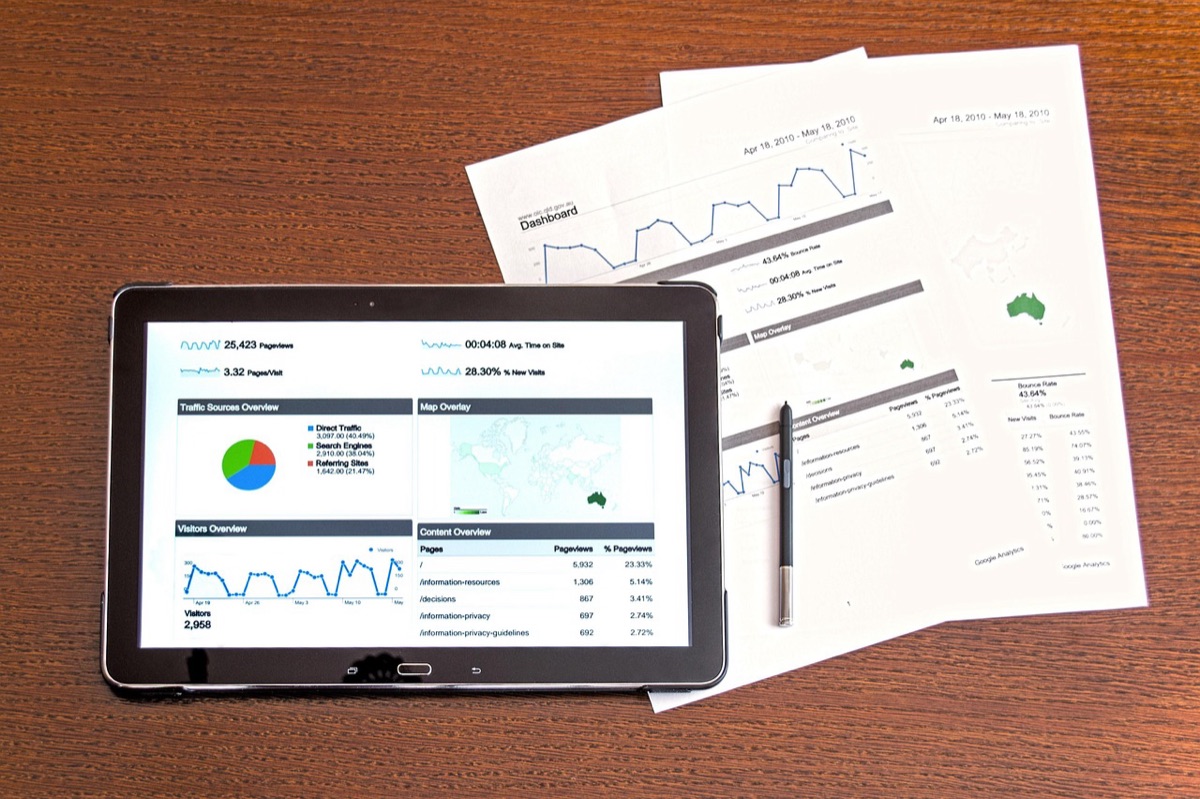
Is a tablet enough to replace a laptop?
A rainy Tuesday afternoon in Seattle, sitting in a corner booth at a local cafe, you slide a slim tablet and a compact keyboard out of your messenger bag. There is no heavy power brick to carry, and no heavy chassis to strain your shoulder during the commute.
However, as you open a complex spreadsheet and several browser tabs, a flicker of doubt hits: can this thin device actually handle the heat?
In the past, tablets were largely seen as devices for watching movies or browsing the web, but in 2025 and 2026, the landscape has shifted.
As processor performance has scaled exponentially, these devices have become viable alternatives for professional tasks like video editing, coding, and heavy document management.
For users where mobility is the highest priority, the ability to provide massive power in a chassis under 1kg is the ultimate draw. However, chasing thinness alone is a trap.
Depending on the nature of your work, the sustained performance of the processor, the color accuracy of the display, and the ergonomics of the keyboard will dictate your actual efficiency.
To find a true laptop replacement, we must look at specific hardware benchmarks.
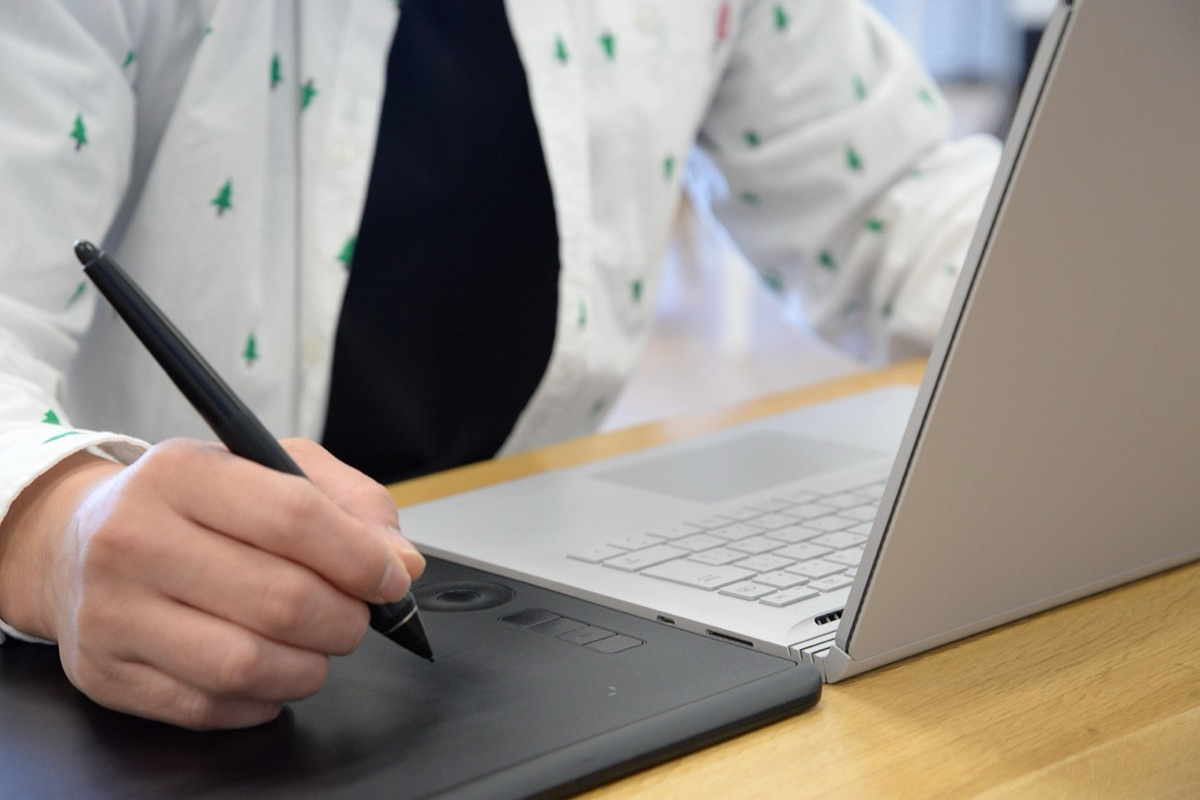
Can you balance performance and portability?
Walking through a bright living room, you move from the sofa to the kitchen island, switching between jotting notes with a stylus and typing a report on a keyboard.
A thin, light device allows you to create a workspace anywhere, but sometimes the heat on the back of the casing reminds you of the structural limitations of a fanless design.
The most critical metrics for a tablet intended to replace a laptop are the harmony between the processor, battery, and weight.
Much like how a 14-inch laptop can maintain a weight of under 1.2 kg while housing a 71 Wh battery and a 16-core Intel Panther Lake processor, a tablet must find the sweet spot between power draw and thermal management.
| Category | High-Performance Work Tablet | Portability-Focused Tablet |
|---|---|---|
| Primary Use | Video editing, 3D modeling, professional drawing | Writing, web browsing, education, media consumption |
| Processor | Desktop-class architecture chipsets | Low-power, high-efficiency mobile chipsets |
| Display | High color gamut (OLED/Mini-LED) | Brightness and legibility (LCD/OLED) |
| Accessories | Physical keyboard and trackpad are essential | Stylus and lightweight folio cases |
A tablet's performance is not determined solely by clock speeds. Much like how the Picogo Air AM71 achieves a 5,000mAh capacity in a 6.9mm thin chassis, true "laptop replacement" capability requires tight optimization between hardware and software. The real hurdle often lies in the input devices.
What defines the best display and input tools?
Sitting by a sun-drenched window, you realize that if the screen is too dim to read or the colors look washed out, your motivation vanishes instantly.
A display must be able to remain clear in outdoor settings—similar to how the Honor Watch 6 Plus features a 3,000-nit display—and the color accuracy must be sufficient for professional tasks.
When I first attempted to switch my entire workflow to a tablet in late 2025, I realized that the screen was my greatest ally and my greatest enemy. If the resolution wasn't crisp, my eyes would ache after only two hours of drafting.
To use a tablet like a laptop, you must overcome the physical limitations of the interface. It is not just about resolution; it is about whether the stylus feels natural and whether the keyboard cover provides a typing experience comparable to a real laptop.
- Screen Size and Aspect Ratio: A 4:3 ratio is often better for document work, while 16:10 is better for video content.
- Refresh Rate: A high refresh rate of 120Hz or more reduces lag during scrolling and stylus input.
- Keyboard Integration: A keyboard case with a built-in trackpad is vital for precision without needing a mouse.
- Stylus Latency: For professional drawing, you must select models with near-zero latency and pressure sensitivity.
These elements are not just "nice to have"; they are tools that directly impact how much work you can get done without physical fatigue. However, even with the best gear, real-world usage introduces variables.
Analyzing suitability for different work scenarios
Late at night, a half-finished project sits on the desk next to a cold cup of coffee. Some nights are spent wrestling with heavy video renders, while other nights are for light email management and reading. The way you handle the device changes based on the task at hand.
The value of a tablet changes based on the user's intent. The requirements of a professional creator and a general office worker are worlds apart.
* Creative Professionals: If your work involves video editing or high-resolution photo retouching, you need the most powerful chipsets and high-color-accuracy displays. In these cases, external monitor connectivity and file management systems become the primary bottlenecks. * Business and Office Work: If your main tasks are email, documents, and video calls, the quality of the keyboard and trackpad is paramount. Light weight and fast charging are essential for maintaining workflow during travel. * Education and Learning: For note-taking and reading, weight and stylus responsiveness are the deciding factors.
The needs of a heavy-duty editor and a student are distinct. This leads us to the final decision-making process.

The essential purchasing checklist
Walking into a tech store, you pick up a device and realize it is much heavier than it looked in the advertisements. You might find the screen colors aren't what you expected. Making a decision based solely on a brand name can lead to expensive regrets in the field.
Before you buy, check these specific points:
- Weight and Thickness: If portability is the goal, look for devices around 1kg and roughly 7mm in thickness.
- Battery Life: Determine how long it lasts during general use versus how long it lasts during heavy processing.
- Storage Scalability: If you work with large files (video/photos), check for support for cloud storage or external memory expansion.
- OS and App Ecosystem: Ensure the professional software you rely on is optimized for the tablet's operating system.
- Accessory Compatibility: Consider how much extra weight is added when you attach the keyboard and how much they cost separately.
Trends in technology and the future of work
Modern high-end devices are getting thinner while getting more powerful. Much like how gaming laptops can now pack powerful GPUs like the RTX e-series in chassis under 2kg, tablets are increasingly encroaching on professional territory.
According to the Online Publishers Association, a survey conducted in 2012 found that 72% of tablet owners had an iPad, while 32% had an Android tablet.
The lines between hardware categories are blurring. The clear divide between "mobile" and "PC" is dissolving as powerful chipsets allow for unified workflows. The future of the tablet lies in its ability to transcend physical specs through cloud computing and seamless connectivity.
| Comparison Item | Traditional Laptop Approach | Next-Gen Tablet Approach |
|---|---|---|
| Primary Strength | Powerful multitasking, high expandability | Extreme portability, intuitive input |
| Primary Weakness | Heavy weight, low mobility | Complex file management, thermal issues |
| Future Outlook | Strengthening as a workstation | Evolution into an all-in-one cloud device |





Comments 0